
Perform Active Directory Tasks Using AD Utility Appstream
Purpose
The purpose of this procedure is to enable designated ITS staff, distributed IT staff, and other designated people to perform Active Directory tasks via a pre-configured, on-prem domain-joined utility Windows machine. There are many situations where someone may have the responsibility to, for example, add and remove members to AD groups, but they do not themselves have a Windows machine or have the appropriate AD utilities installed.
Directions
From1. any machine with an Internet and a web browser, goGo to https://remoteaccess.uri.edumyapps.microsoft.com.
Login2. asChoose directed:the "ITS AD Utilities AppStream" tile. If you don't see it, but expect to, contact Chi (cshen@uri.ed
3. Select the "AD Tools" icon
4. Wait for session to start, up to 2 minutes:

Select5. theUse ActiveSSO Directory Utility Servercredentials:

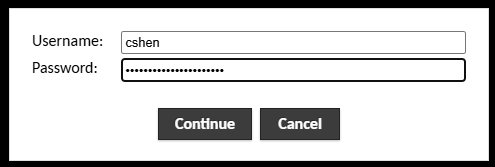
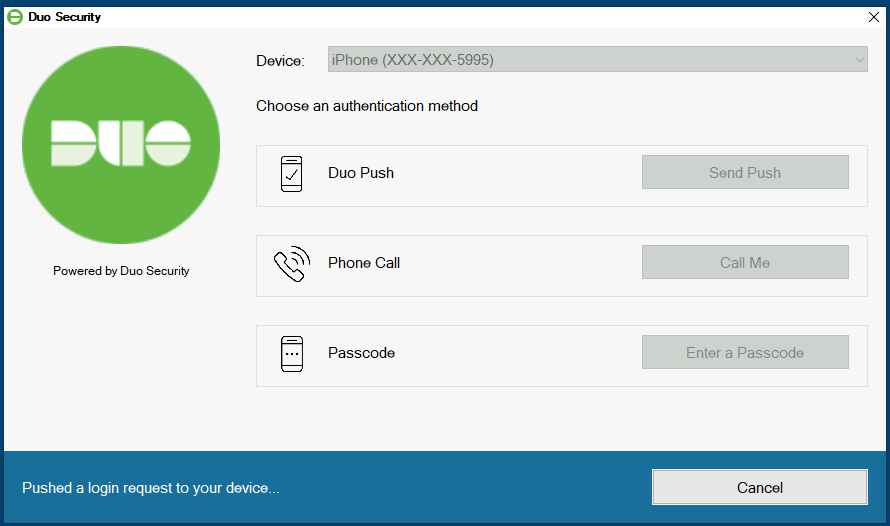
Enter6. yourUse SSO credentials, pass Duo prompt:
Active Directory"AD Users and Computers
Computers" Fromconsole theto Desktop,perform needed task. (Always start Activefrom Directoryuri.ds.uri.edu)
