
R AppStream - EVS 514 - Fall 2022
These directions are for the use of R 4.1.3Studio via a web browser for EVS 514 Fall 20222022.
(instead of installing it on your own computer, or using a computer lab)
Get Help
For questions/help about the class, contact your instructor, Jessica Morgan <jessicamorgan@uri.edu>. For technical issues, contact Chi Shen cshen@uri.edu .
Access R AppStream
- Go to https://myapps.microsoft.com
- Click "R AppStream for EVS514"
You may not see this icon until Monday October 31
- Click the
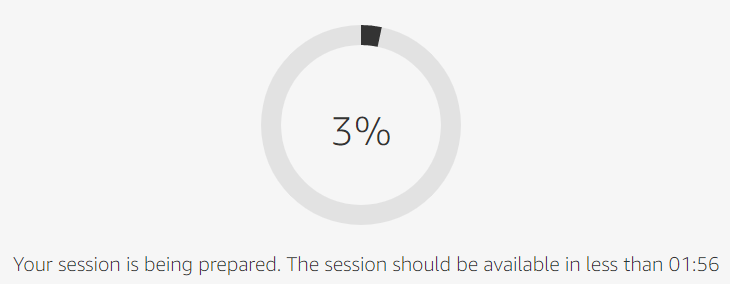
RRStudio icon -- wait about 1-2 minutes for the session to start: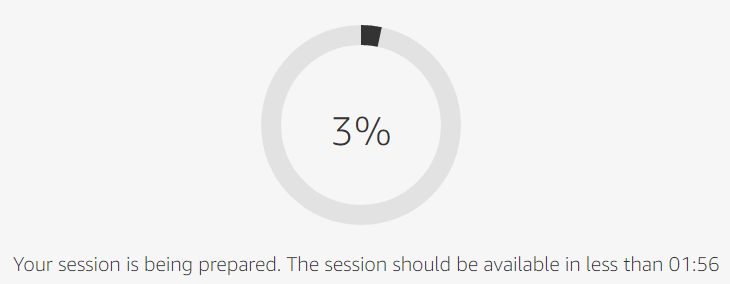
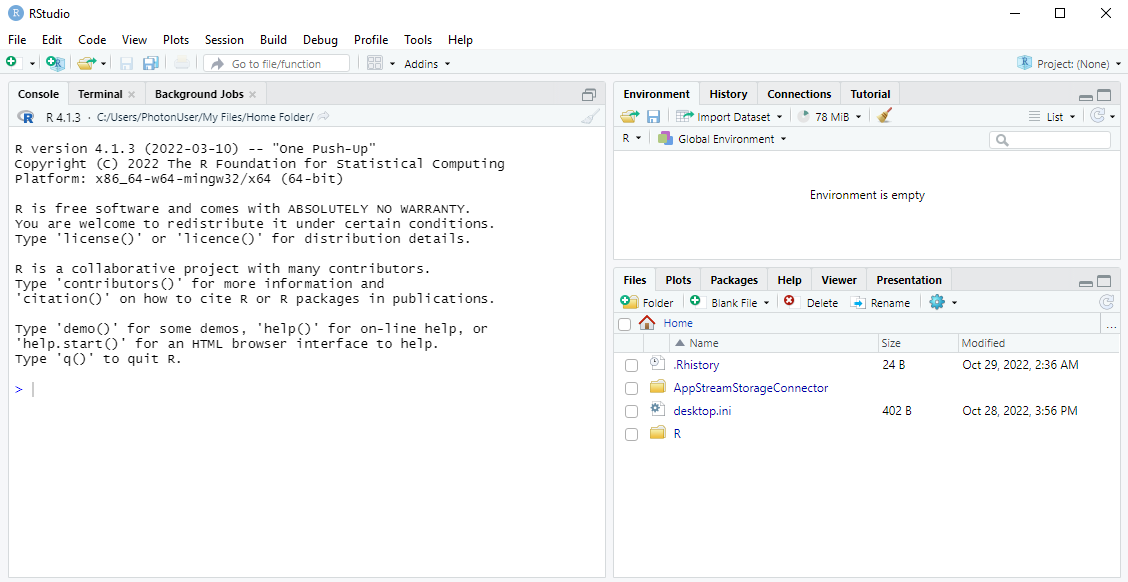
- Once RStudio has loaded, you should see this:
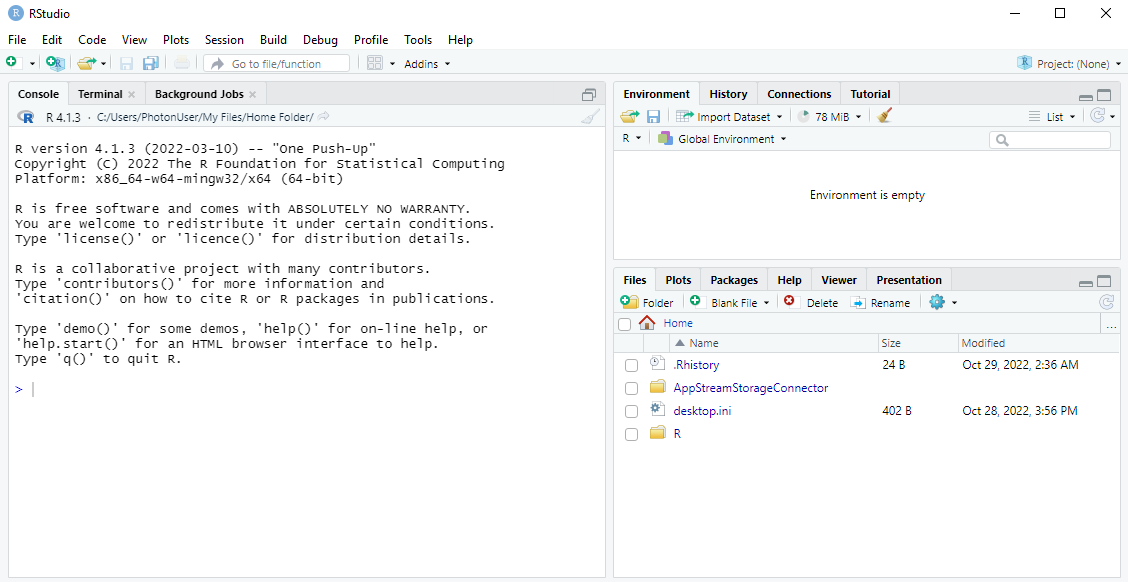
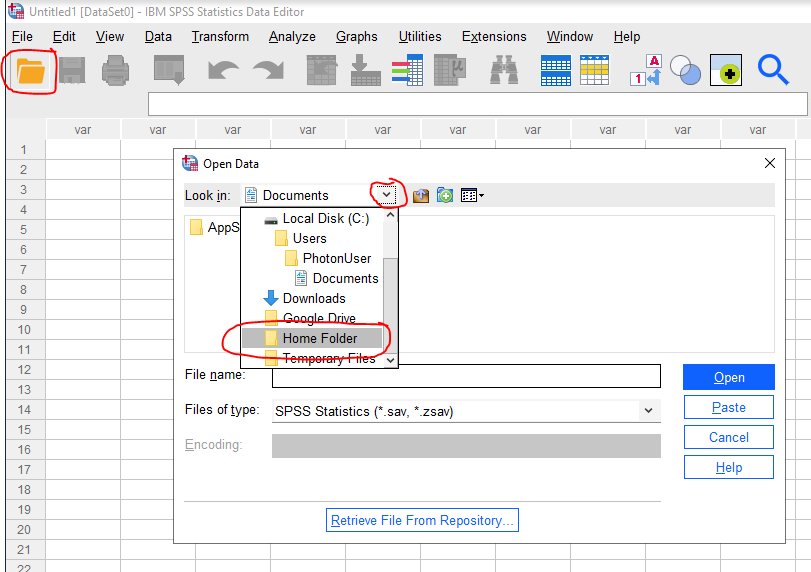
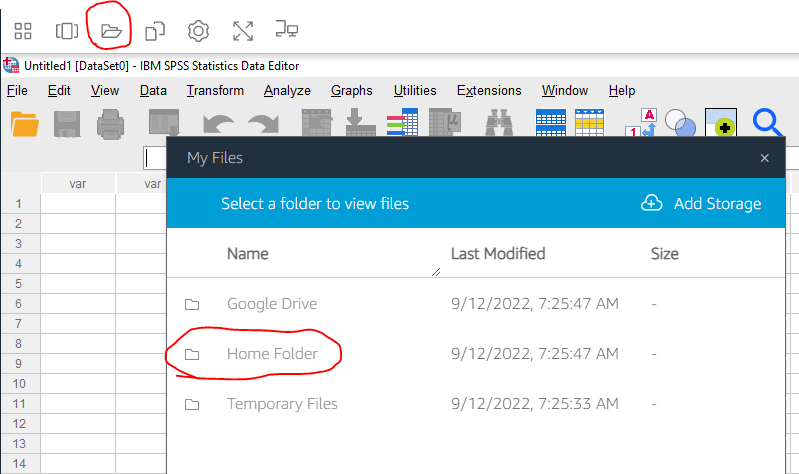
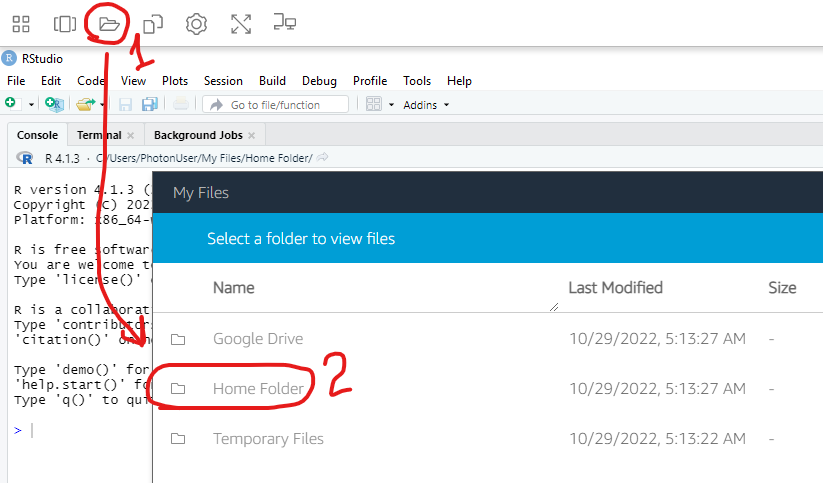
SaveUsing Yourthe Work to "Home Folder"Folder
BesureHome toFolder saveis allthe storage that persists across your AppStream sessions. Any work inor thefiles "Homesaved Folder"!
Whenwill saving and opening files, you can use the special "Home Folder". This area persistspersist across all AppStream sessions.
Ifdefault, youthe need"Working toFolder" uploadof tothis RStudio AppStream will start in the Home FolderFolder. from To avoid confusion, it's usually a good idea to make the "Files" pane also show the Home Folder.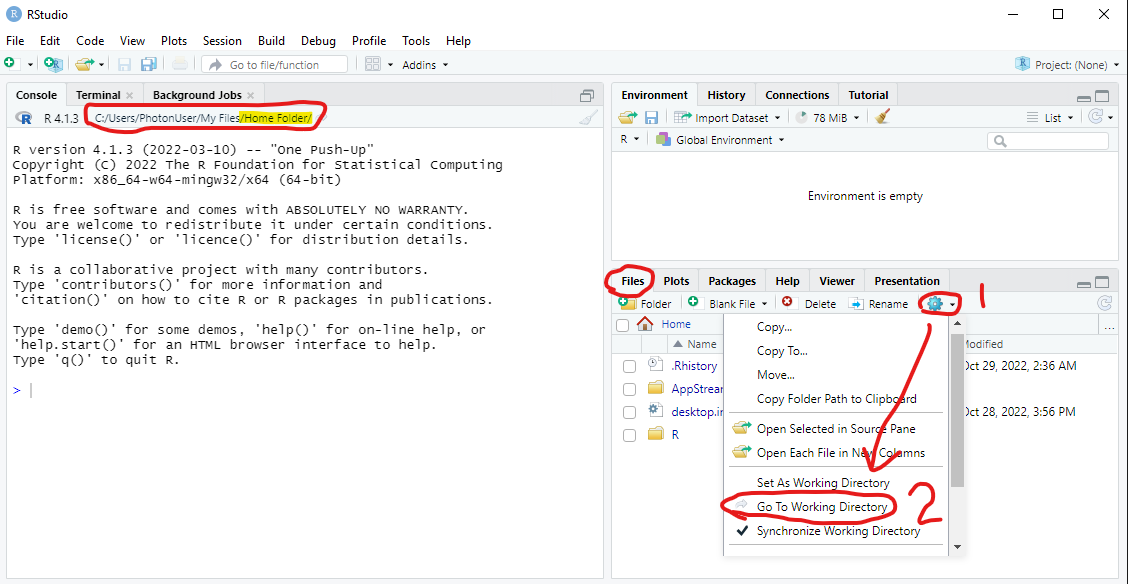
Uploading/Downloading Files
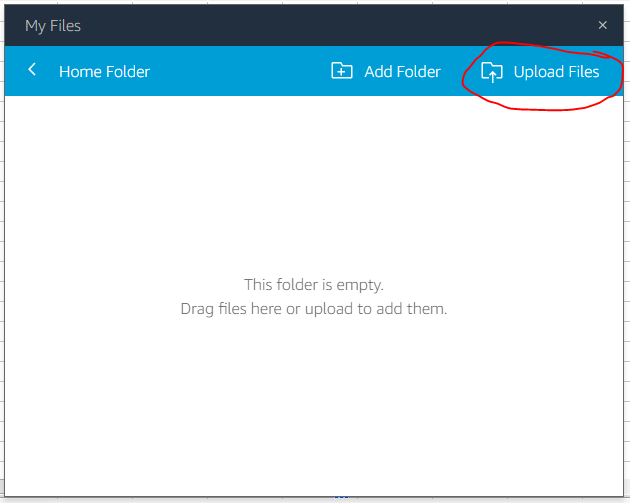
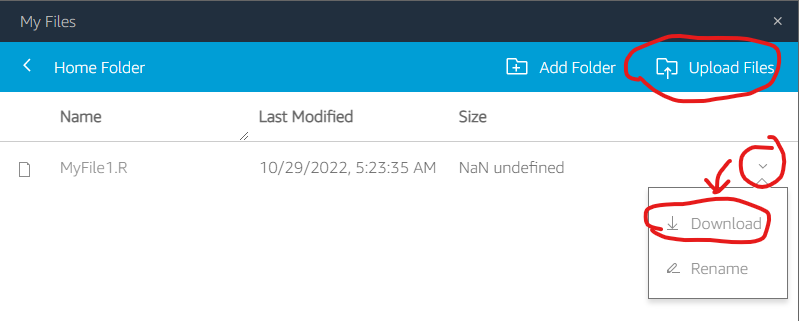
You can also transfer files between your own computer:
computer and the AppStream session:
Session Time Limits
- If you accidentally close your browser/session, you can reconnect if you do so within 15 minutes.
- Idle sessions will be automatically ended after
3015 minutes. - The maximum single session length is
816 hours. You will be warned to save your work 5 minutes before reaching this limit. If you need to continue working, save your work, end the session, then start another session.
Ending Your Session
There are no special directions for ending your AppStream session. You can just close your browser window / tab.
If you are using a public / shared / lab computer, remember to log yourself out of any relevant accounts!