
SPSS AppStream - PSY Spring 2023
These directions are for the use of SPSS via a web browser
(instead of installing it on your own computer)
for various Spring 2023 courses of the URI Psychology department.
Get Help
- Contact your instructor for help with course/lab directions
- If the issue is a technical one, you can contact Chi Shen cshen@uri.edu
Access SPSS
- Go to https://myapps.microsoft.com
- Look for two items:
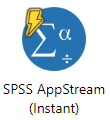
- SPSS AppStream (Instant) -- Quick session start, use during scheduled labs. Not available at other times.
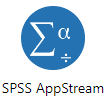
- SPSS AppStream -- 2-3 minute wait for start, available at all times.
- SPSS AppStream (Instant) -- Quick session start, use during scheduled labs. Not available at other times.
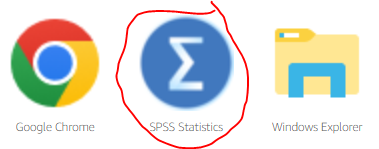
- Click the SPSS icon:
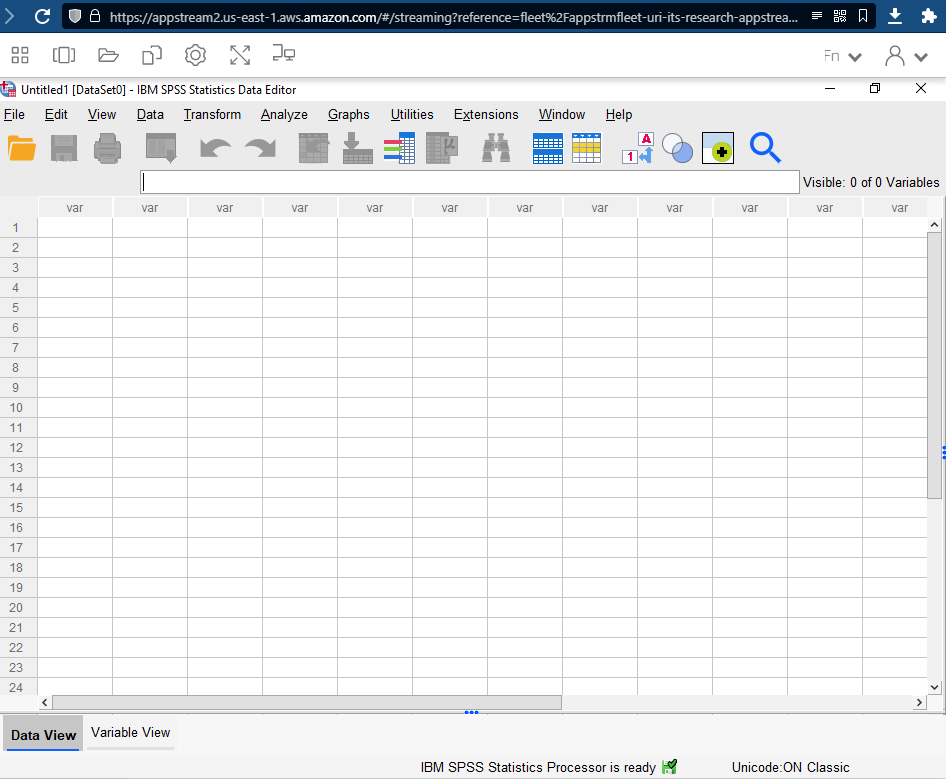
- Once started, your session should look like this -- this is SPSS running in a virtual Microsoft Windows server:
Save Your Work
Be sure any work that you want saved in one of the two storage options described below!
(Home Folder or Google Drive)
Storage - Home Folder
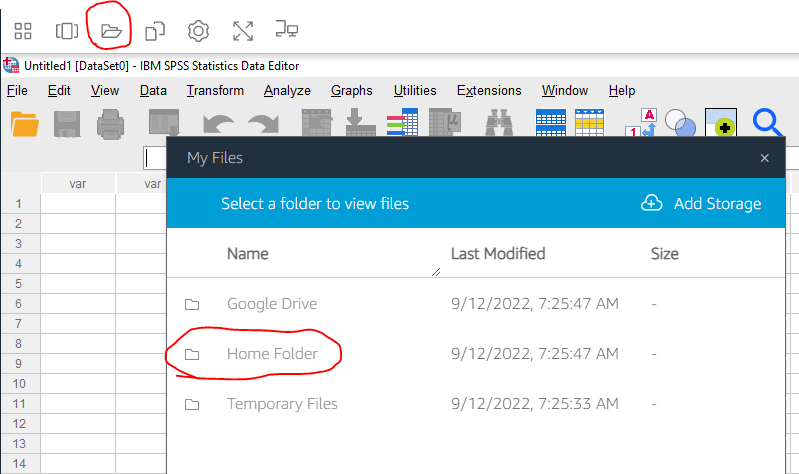
When saving and opening files, you can use the special "Home Folder". This area persists across all AppStream sessions.
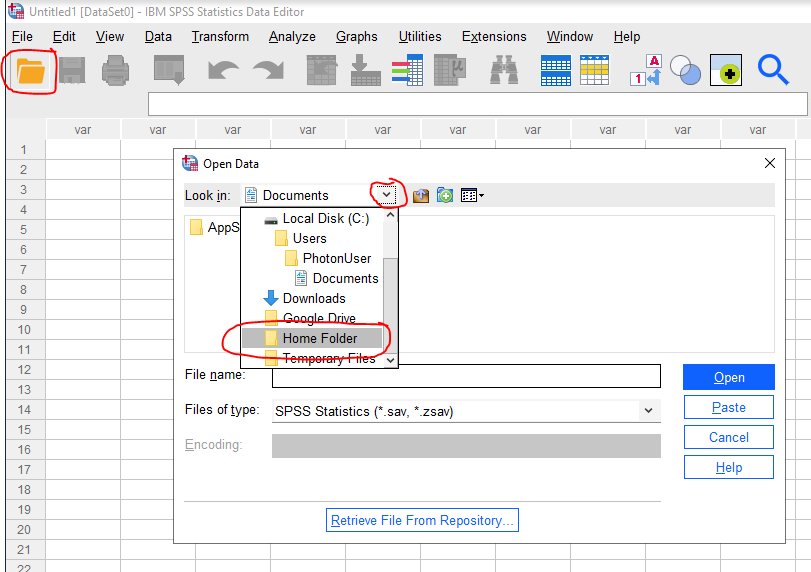
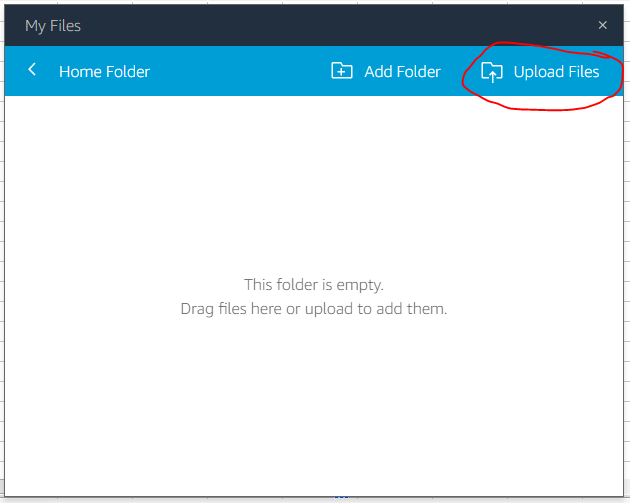
If you need to upload to the Home Folder from your own computer:
Storage - Google Drive
You can also link your AppStream sessions to your URI Google Drive.
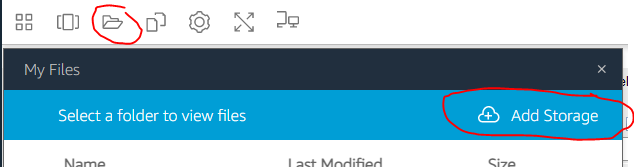
- Perform the one-time linking -- after clicking Add Storage, select Google Drive, and then login with your URI Google credentials.
- Once linked, the Google Drive option will appear for opening and saving files. Future AppStream sessions will not need to re-link to Google Drive.
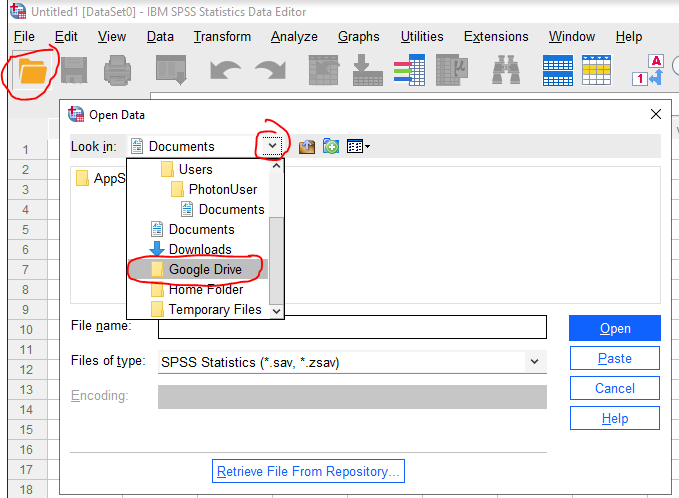
- Getting files in and out of Google Drive continues to be like how you would normally use Google Drive independently of SPSS AppStream -- browse to drive.google.com and use your URI credentials.
Ending Your Session
There are no special directions for ending your SPSS AppStream session. You can just close your browser window / tab.
If you are using a public / shared / lab computer be sure to log yourself out of any accounts!
IT Notes (students don't need to read)
- PSY 200 301 435
- Mark Robbins markrobb
- Kathleen Webster kwebster7
- Melissa Rothstein mrothstein
- Emily Carter ek_carter
- Alana Egan aeganleong
- Active Directory group: Course-2023-Spring-PSY-200-301-435
- Monday
- 200 11:00am - 11:50am (25)
- 435 2:00pm - 3:15pm (25)
- 301 3:30pm - 5:15pm (45)
- Tuesday
- 435 3:30pm - 4:45pm (13)
- Wednesday
- 200 11:00am - 11:50am (40)
- 200 12:00pm - 12:50pm (40)
- 200 1:00pm - 1:50pm (40)
- 435 2:00pm - 3:15pm (25)
- 301 3:30pm - 5:15pm (45)
- Friday
- 200 1:00pm - 1:50pm (15)
- 200 2:00pm - 2:50pm (30)