SPSS AppStream for Psychology
NOTE: These directions are for the use of SPSS via a web browser
for various courses of the URI Psychology department of the Fall 2022 semester.
Web Link, Instant-On option
- Go to https://myapps.microsoft.uri.edu
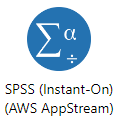
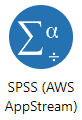
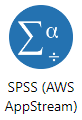
- Look for two icons "SPSS (Instant-On)" and "SPSS":
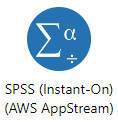
- Use the Instant-On option during class / labs with the instructor -- these sessions will start quickly without significant wait.
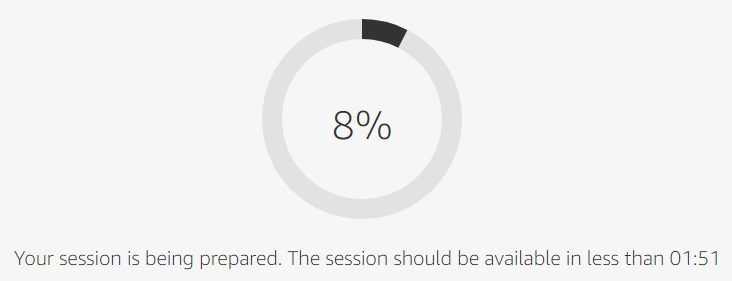
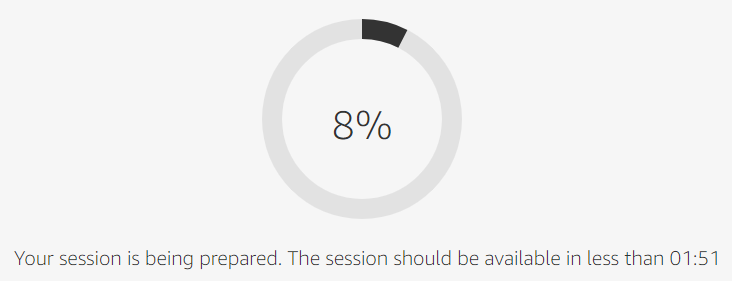
- Outside of class/lab time, use the regular option, which will take about minutes to start:
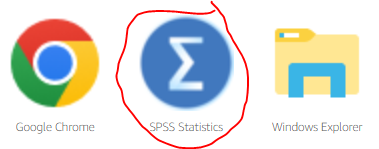
- On the next screen, click the SPSS icon: